

Your data stays yours, and stays reachable
Email, files and applications in the cloud, with a backup that has really been tested. Because the question is not whether you save the data, it is how long it takes to get it back up.
The move to the cloud solved many problems and created a new one: the belief that data is automatically safe. It is not. Cloud services guarantee that the infrastructure works, not that you will not delete a folder, not that a compromised account will not empty a mailbox, not that ransomware will not encrypt the synchronised files.
We design the whole data architecture: where it sits, who accesses it, how it is copied and above all how long it takes to restore. With periodic restore tests, because a backup that has not been verified is only a hope.
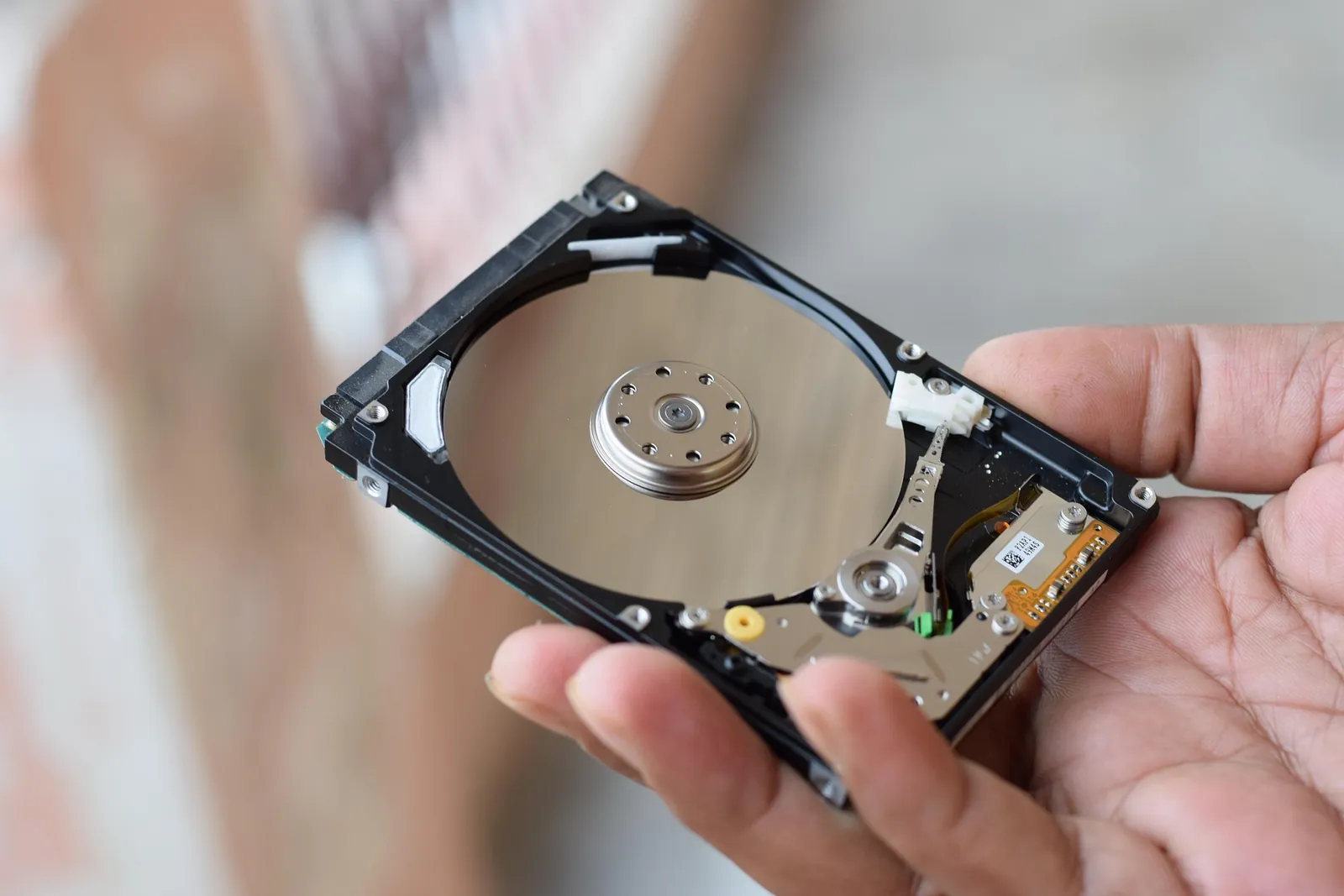
A hard disk is a mechanical object. Sooner or later it stops.
That is why one copy is not enough: the data lives in more than one place, on site and in European datacentres, and every so often we actually restore it to check it comes back.
What it covers
Microsoft 365 and Google Workspace
Migration, configuration and administration of the email and collaboration platforms, with access and sharing policies defined rather than left at their default values.
Backup of cloud data
Independent copies of Microsoft 365 and Google Workspace email and files, with NinjaOne. Cloud services do not replace backup: after the retention period, what you delete is gone.
Backup of PCs, servers and storage
Workstations and servers backed up with NinjaOne, Synology NAS, Veeam and Acronis: on-site copies, replicated off site and protected from changes.
Restore tests
Test restores, scheduled and documented, so you know in advance how long it really takes to get back up and running.
Typical situations
The moment you realise you have a backup problem is always the wrong moment.
- Moving from traditional mailboxes to Microsoft 365
- Files scattered across computers, USB sticks and shared folders
- No copy of the data outside the office
- A need to reach documents from outside the office
- Backups configured years ago and never checked since
- Data retention obligations to meet
How we protect your data
- 01What to save
We decide together what needs copying and how much it matters: not all data carries the same weight, and treating it all the same costs money without helping.
- 02How often
From one copy an hour to one a week, depending on the device, who uses it and what losing a day’s work would cost.
- 03Where they end up
Across several European datacentres, with redundancy between sites: one place failing is not enough to lose the data.
- 04Restore test
Every three or six months, depending on the scenario, the data is really put back. It is the only way to know that the backup works.
The service in numbers
- Where the copies sit
- Several datacentres in Europe, with redundancy between sites
- Frequency
- From one copy an hour to one a week, depending on device and criticality
- Restore tests
- Every 3 or 6 months depending on the scenario, actually carried out
- Why it matters
- A backup nobody has ever restored is a hope, not a copy
The questions we hear most
Can you manage cloud environments?
Yes. Cloud and collaboration tools can be configured and managed to improve security, access, continuity and productivity.
Can you manage company backups?
Yes. Backups of servers, NAS, company data, cloud environments and critical systems can be configured, monitored and verified.
Can business continuity be improved?
Yes. Business continuity means reducing failures, downtime, data loss, restore times and dependence on undocumented configurations.
Does Microsoft 365 not already do the backup?
No, not in the sense usually meant. Microsoft guarantees the availability of the service and keeps deleted items for a limited period. If data is deleted or altered and you notice afterwards, you need an independent backup to recover it.
Is it better to keep files on site or in the cloud?
It depends on the volume of data, on the software that uses it and on the connection at the office. Often the best choice is a mix: cloud for email and shared documents, local storage for heavy archives, with cross-backups.
How often do you check that the backups work?
The result of the copies is checked every day through the monitoring. Full restore tests are scheduled periodically, at a frequency agreed according to how critical the data is.
Does the data stay in Europe?
Yes, for the configurations we propose. It is a requirement we check at the design stage, both for GDPR compliance and because many clients have contractual obligations of this kind.
Tell us what you need
A free forty-five-minute call: you describe the situation, we tell you where to start.