

IT support for businesses in Milan, when you actually need it
Remote and on-site support for businesses and professional firms in Milan and Lombardy, with no minimum number of seats: workstations, servers, email and network, with a technician who already knows your infrastructure.
A slow computer, a mailbox that has stopped receiving, a network printer that has vanished: on their own they are annoyances, added up they are working days lost. The real cost of support is not the fee, it is the time your business spends stopped, waiting for an answer.
That is why requests are not all treated the same way. Every report is classified by severity and by its impact on the work: anything that stops the business goes into a priority channel, the rest is scheduled without clogging the urgent queue. Actual times depend on the type of request and on the contract in place.
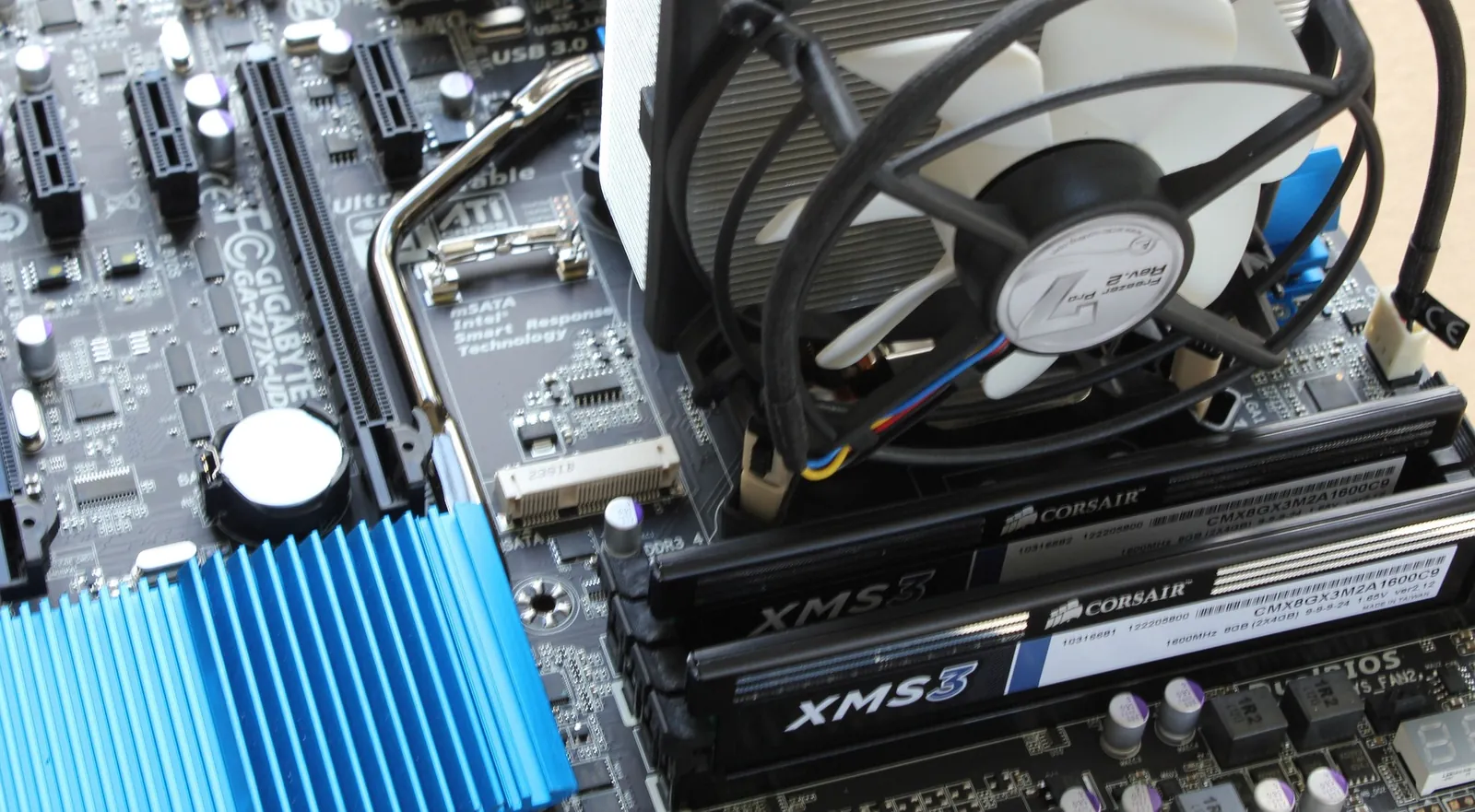
Not everything can be fixed remotely. Sometimes the case has to come open.
A failing power supply, a jammed fan, memory that needs replacing: these are faults you find with your hands. We try remotely first, and when that is not enough we come to you.
How we work
Remote support
Most issues are resolved remotely with NinjaOne, the same tool we use for monitoring, so the technician already sees the state of the PC. The connection is encrypted and only opens when the user authorises it.
On-site visit
When the hardware or the network needs hands on it, we come to you: replacements, cabling, installing servers and workstations, migrations, office moves.
Tracked requests
Every request is logged, assigned and closed. You always know who is working on it and where it stands, and at the end of the month you have the record of what actually happened.
A point of contact who knows you
Not a call centre. Whoever answers knows how your network is built, which software you use and where the delicate points are, and that cuts response times more than any procedure.
What you can ask us
The requests we receive every day, to give a concrete idea of what we cover.
- PCs that are slow, unstable or freezing
- Software errors, updates and installations
- Setting up users, email and credentials
- Network, WiFi and connectivity problems
- Servers, backup and storage space
- Microsoft 365 and Google Workspace support and administration
- Workstation security and data protection
- New workstations, company phones and tablets
How a request gets resolved
- 01The request comes in
By phone or by opening a ticket. Either way it stays in writing, so nobody has to explain the same thing twice.
- 02Picked up
It goes to the technician who looks after your business and knows your systems. For urgent issues the first person available answers, with no waiting.
- 03Remote first
For urgent issues the first step is always immediate and remote: it is the fastest way to get someone who is stopped working again.
- 04On site if needed
If it cannot be resolved remotely, we come to you. That is the rule, not an exception to be negotiated each time.
In practice
- Request handling
- By priority, severity and impact
- Urgent channel
- Priority for clients under contract
- Hours
- Monday to Friday, 8am to 6pm, no lunch break
- How
- Remote and on-site
The questions we hear most
How does IT support for businesses work?
IT support helps businesses solve problems with computers, laptops, servers, networks, email, software, cloud accounts, backups and company devices.
Is remote support available?
Yes. Many problems can be solved remotely through authorised, secure sessions, which cuts waiting times and downtime.
When is an on-site visit needed?
It is needed when the problem involves physical equipment, network devices, servers, cabling, installations, migrations, workstations, firewalls or work that requires someone on site.
Can you deal with problems on company PCs and laptops?
Yes. Support can cover slowdowns, freezes, software errors, login problems, configurations, updates, drivers, email and business applications.
Do you support Windows and Mac computers?
Yes. Support can cover both Windows and macOS environments, depending on the type of problem, the software in use and the company setup.
Can you fix email problems?
Yes. We can handle configurations, errors, sync problems, accounts, Outlook, Gmail, Microsoft 365, Google Workspace and problems sending or receiving mail.
Does support include Microsoft 365?
Yes. We can support users, licences, email, security, access, configurations and the collaboration tools linked to Microsoft 365.
Does support include Google Workspace?
Yes. We can manage users, business Gmail, Drive, permissions, configurations, security and the day-to-day features of Google Workspace.
Can you handle IT emergencies?
Yes. There is an emergency channel for critical outages, while ordinary requests go through a structured process.
What are the average response times?
With the monthly fee or prepaid hours, requests are picked up within 8 working hours, even during company closures. Urgent issues, opened as a ticket from the NinjaOne portal, are picked up within 30 minutes: the first response is immediate and remote and, if that is not enough, we come on site.
Can I buy a block of hours?
Yes. Prepaid hours start at €52 an hour, VAT excluded: that is the rate of the largest pack. A one-off visit without a contract costs €90 an hour. The monthly fee starts at €13 per workstation per month, the rate for the largest fleets. There is no minimum number of seats: it also covers professional firms and freelancers with a VAT number.
Can IT support reduce downtime?
Yes. Managing support, monitoring, backup, network and security properly helps reduce outages, downtime and recurring problems.
Can you set up new company users?
Yes. We can set up accounts, email, permissions, cloud access, groups, devices and everything needed to onboard new staff.
Can you manage passwords, access rights and permissions?
Yes. Managing access is an important part of IT support, especially to reduce risks, errors, unmonitored accounts and excessive permissions.
Can you look into a slow company network?
Yes. We can check firewalls, switches, WiFi, cabling, DNS, IP configurations, access points, line saturation and problems on the internal network.
Can you help choose new IT tools?
Yes. As well as technical support, consulting is available for purchases, renewals, software, hardware, security and infrastructure.
How is your company's IT really doing?Free IT health check in 12 minutes: score, risks, deadlines and a map of your IT.
Take the free IT health checkTell us what you need
A free forty-five-minute call: you describe the situation, we tell you where to start.