

Many problems get fixed before they stop the work
A disk about to fail, a backup that has been failing for three days, an update never installed: these are faults that announce themselves. You just have to look.
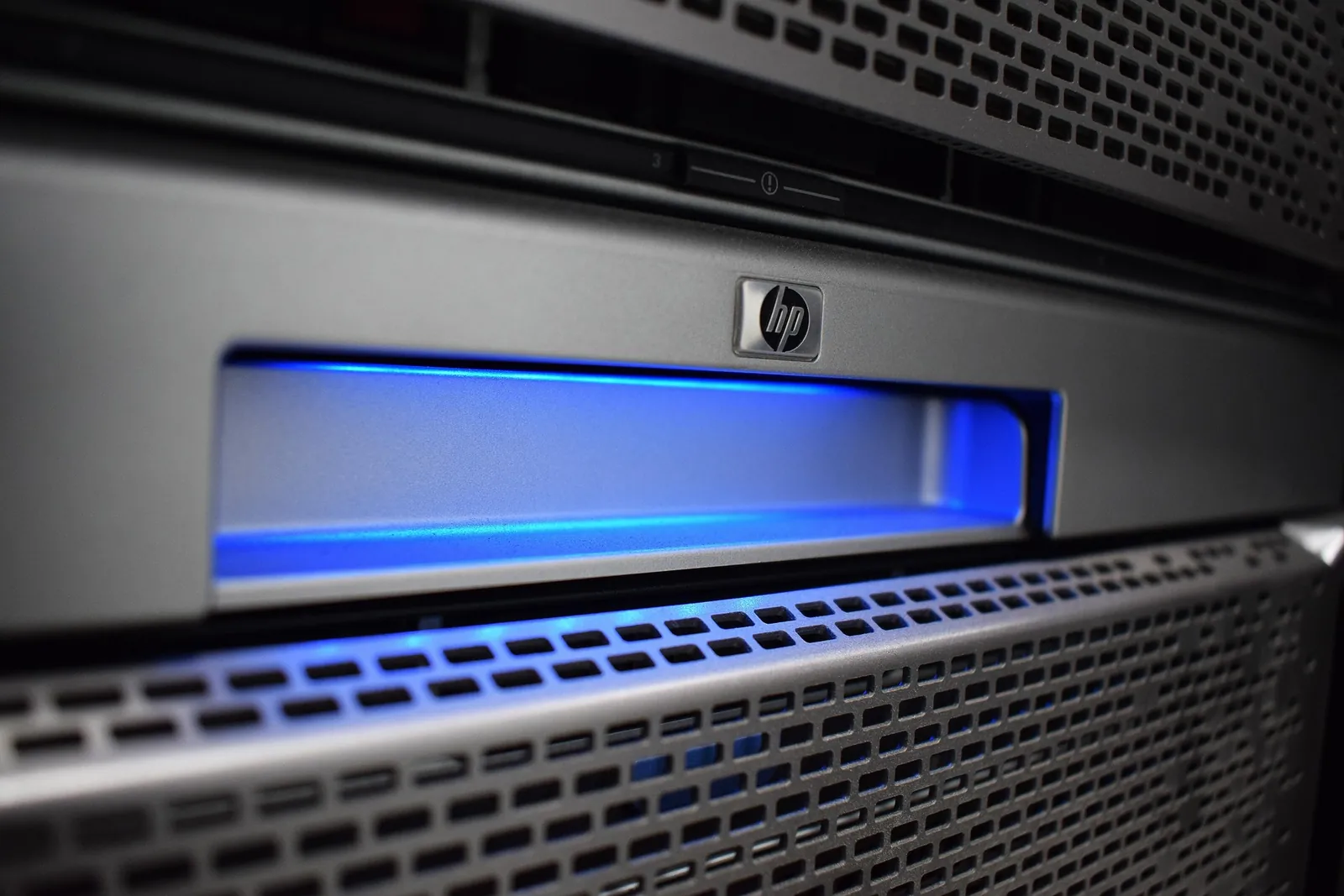
Traditional support is reactive: something breaks, you call, it gets repaired. It works, but the business pays for it in lost time. Proactive maintenance reverses the order: the systems are watched continuously and the work is done before the problem becomes downtime.
As an official NinjaOne partner, we use NinjaOne to keep workstations, servers, phones and tablets under control: disk health, updates, backup results, installed software, antivirus running. When a value goes outside its limits an alert reaches us, not a phone call to you.
A server gives no warning before it stops. Monitoring does.
Servers and network devices are watched around the clock with NinjaOne. A disk slowing down or a service restarting on its own are signals: we read them before they turn into downtime.
What we keep under control
System health
Disks, memory, temperatures, critical services and server uptime, with alert thresholds set for your environment. Many fixes are automatic: disk space freed, a service restarted.
Backup results
A daily check that the copies have been made and can be read. A backup that fails silently is the most underestimated risk we see.
Updates and software
System and application updates tested first and installed at times that do not stop the work. New software reaches every workstation at once, without visiting each PC.
Phones and tablets
Company phones and tablets, Android and Apple, set up remotely with apps and security rules. If one is lost, it can be locked or wiped remotely.
Who really needs it
It is not equally useful to everyone. It is very useful to anyone who recognises one of these situations.
- Businesses with no in-house technician to notice the problems
- Anyone already stopped by a full disk or a backup that failed silently
- Offices where one server down stops everyone working
- Anyone with workstations spread across several sites and no overall view
- Anyone who does not know for certain how many devices the business has
- Anyone who would rather know in advance, not on Monday morning
What we watch and what happens when something goes wrong
- 01Always under control
Servers and network devices are monitored 24 hours a day, every day. Workstations during working hours.
- 02The alert goes off
When a value goes outside its parameters an alert is raised, before the problem becomes visible to the people working.
- 03Overnight
An overnight alert on a device is picked up at 8am. We put that in writing rather than promise a night call-out we do not make.
- 04Before the phone call
The aim is to close the problem before anyone in the business has to notice it and open a request.
What changes in practice
- Hardware faults
- Caught from the warning signs before downtime
- Backup
- Checked every day, not just scheduled
- Updates
- Managed centrally, not left to the user
- Machine estate
- An inventory always up to date, with age, licences and warranties
The questions we hear most
Can computers and servers be monitored?
Yes. Monitoring makes it possible to spot anomalies, errors, missing updates, security problems and operational issues.
What is an IT monitoring platform for?
It is used to monitor endpoints and infrastructure, reduce downtime, act more quickly and keep visibility over the state of the systems.
Can recurring problems be reduced?
Yes. Proactive management helps identify the underlying causes, standardise configurations and stop the same errors happening again.
Can I get regular reports or checks?
Yes. Depending on the service, checks, reviews, reporting, health checks and planning of the work can all be included.
Does monitoring mean you can see what employees are doing?
No. The tool collects technical data on the state of the machines: disks, updates, services, backup. It is not there to monitor people and we do not use it for that.
Do you manage phones and tablets too? Can you see messages and photos?
Yes, Android and Apple, with NinjaOne mobile device management: remote setup, apps, security rules, and locking or wiping a phone that is lost. We do not read messages, photos or other personal content.
Does it slow the computers down?
No, the agent that is installed has a negligible impact on performance. Heavier tasks, such as updates, are scheduled outside working hours.
Is it included in the support contract?
Normally yes: support and monitoring work well together, because the second reduces the load on the first. It can still be taken on its own.
Do you receive the alerts or do we?
We receive them and we act on them. You receive the summary of what happened, not a notification about a disk degrading at three in the morning.
Tell us what you need
A free forty-five-minute call: you describe the situation, we tell you where to start.